Turn one product photo into a 15-second advertisement. Order on RakuMovie, then import the finished MP4 here.
The video is in your media library and its file URL may be publicly accessible. Use a WordPress Video block to place it where you want; this plugin does not change your storefront automatically.
Turn a product photo into a 15-second ad →Product gallery videos (beta)
- In WooCommerce 11.1 or later, open Settings → Advanced → Features. Enable Product gallery videos and save.
- Edit your product. Choose Add media to product gallery, select the imported MP4, then Add to gallery. Keep a photo as the main product image.
- Update the product and open the customer-facing page. Check the video on desktop and mobile.
This beta feature uses files in your Media Library, not YouTube links. Theme support varies. It does not support variation galleries yet.
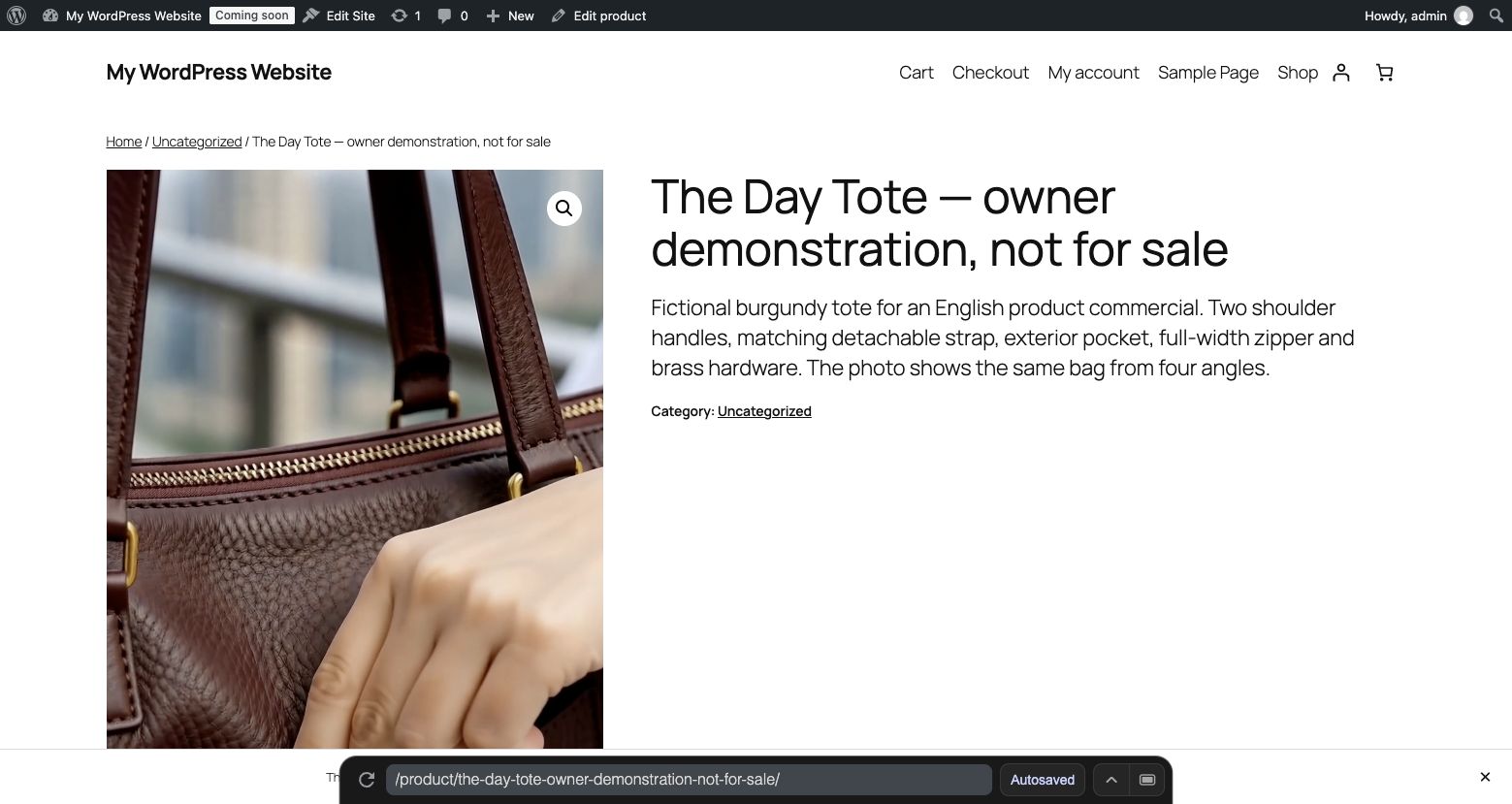
Another option: product description
In the block editor, add a Video block and choose Media Library. In the classic product editor, use Add Media and insert the video into the description. Update and check the page.
For a portrait video, use a display width around 360 px (640 px high) instead of stretching it across the page.
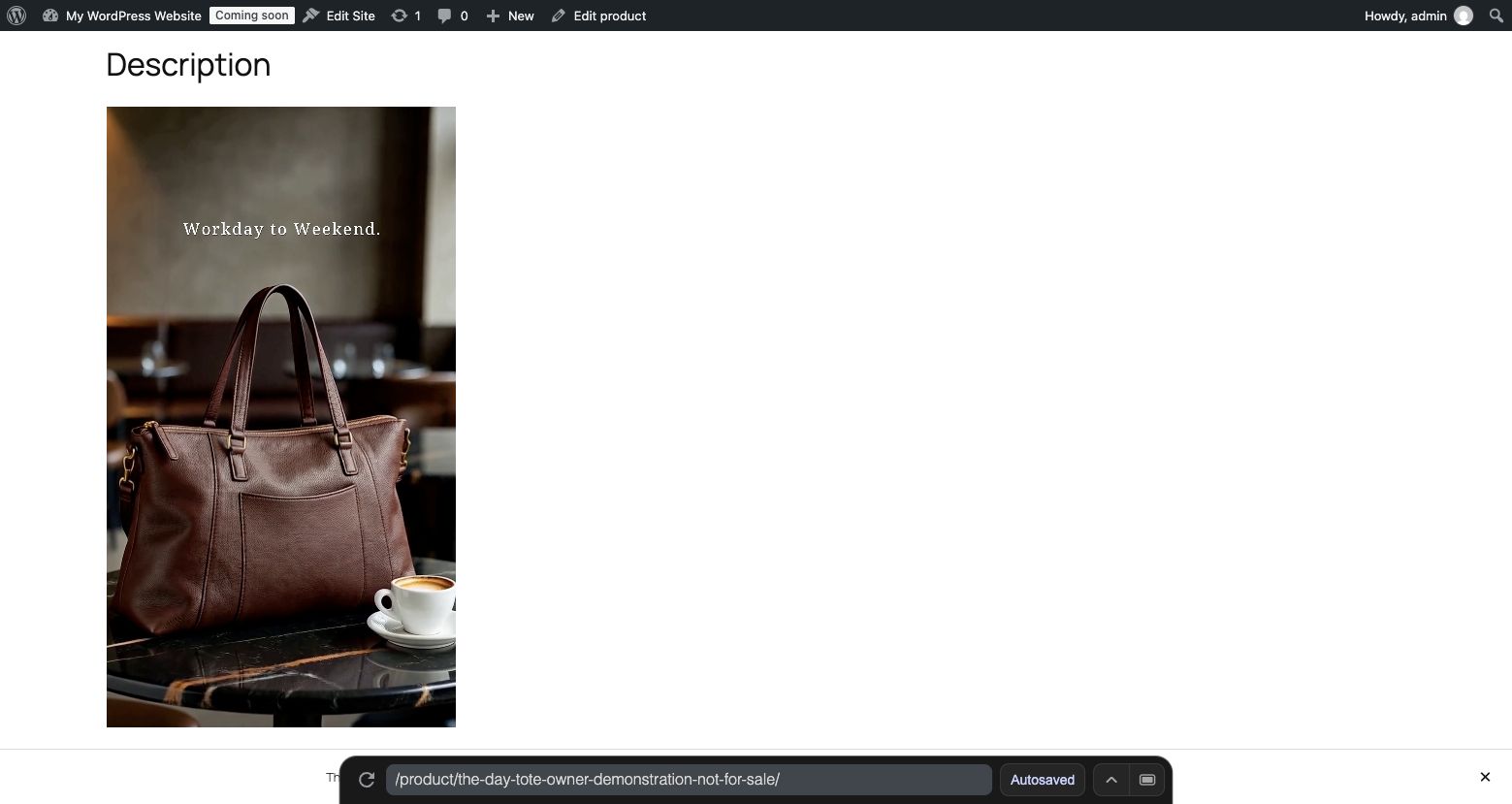
English demonstration film; fictional product and generated lifestyle scenes. Not a customer testimonial or sales result. Production waiting time and checkout are omitted.
Make a video from your product photoWooCommerce · RakuMovie
WooCommerce product photos to video ads | RakuMovie
Turn one product photo into a 15-second advertisement. Order on RakuMovie, then import the finished MP4 here.
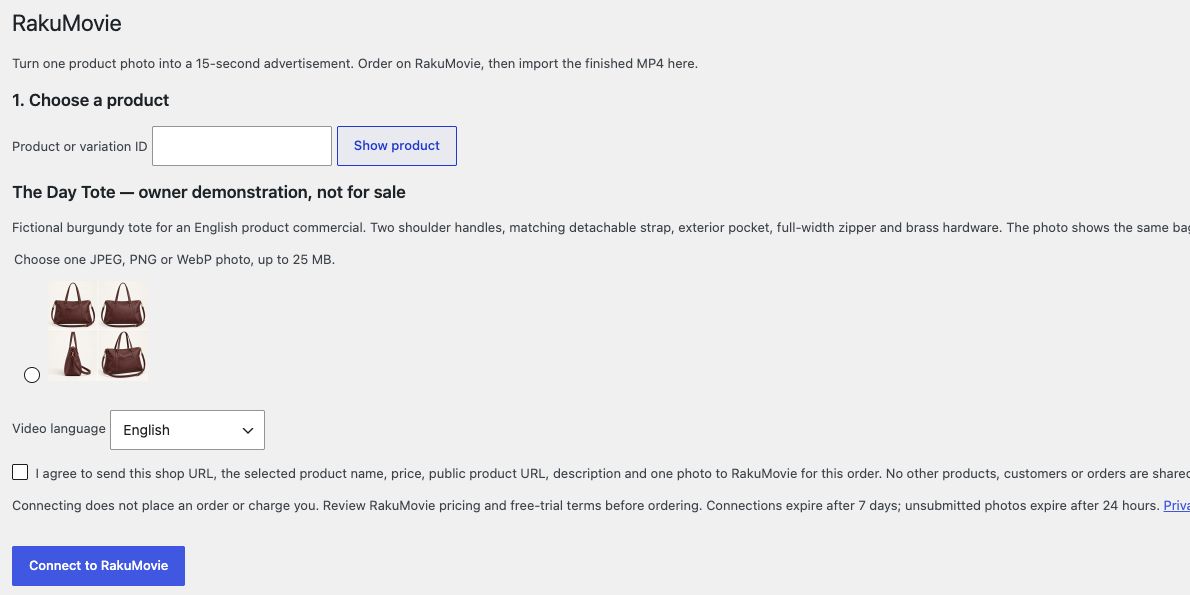
- 1. Choose a product
Choose a published simple product or a specific variation that you can edit. Password-protected products are not supported. Choose one JPEG, PNG or WebP photo, up to 25 MB.
- 2. Approve, send and order
Open RakuMovie and match the code. After approval, send the photo here, then return to RakuMovie to review and order. Refresh this page to check delivery. Connecting does not place an order or charge you. Review RakuMovie pricing and free-trial terms before ordering. Connections expire after 7 days; unsubmitted photos expire after 24 hours.
- Import finished video into media library
The video is in your media library and its file URL may be publicly accessible. Use a WordPress Video block to place it where you want; this plugin does not change your storefront automatically.
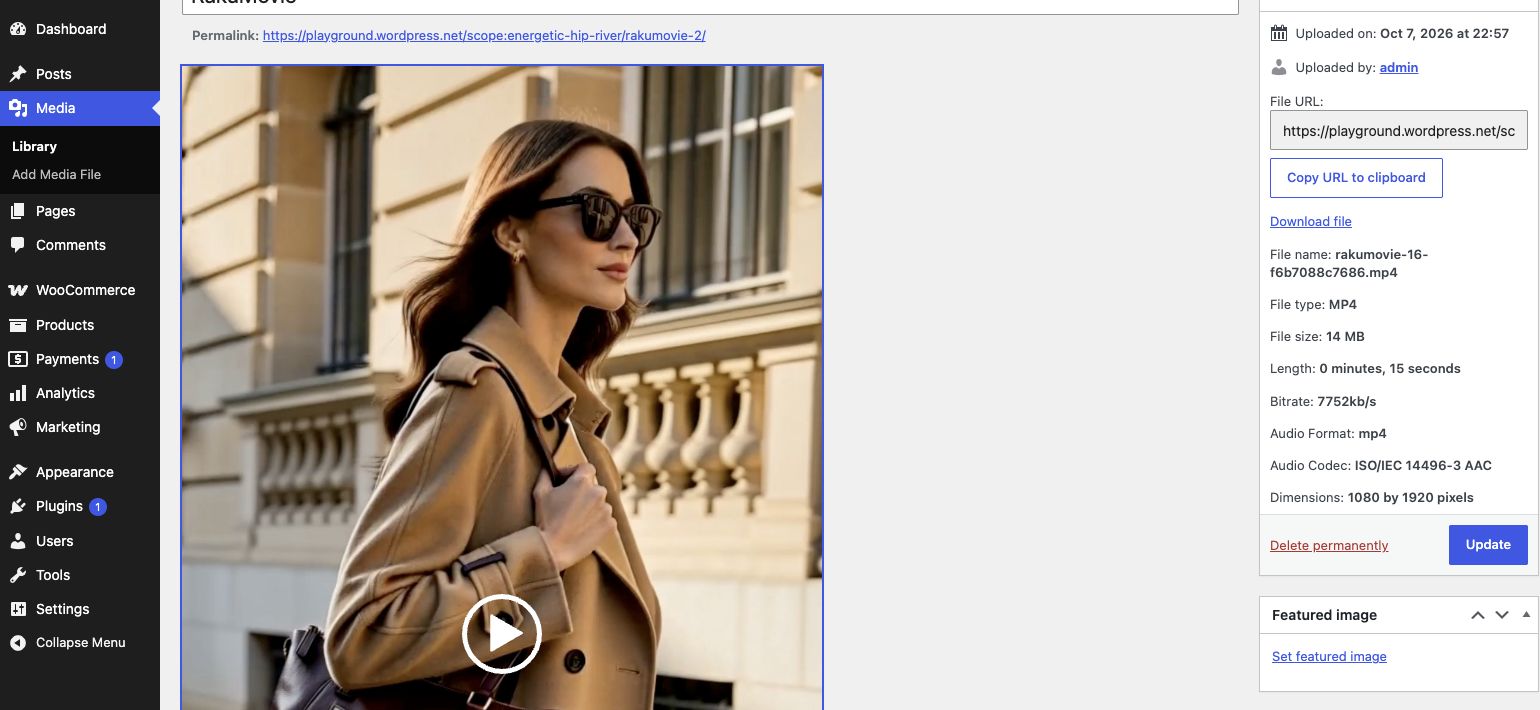
English demonstration film; fictional product and generated lifestyle scenes. Not a customer testimonial or sales result. Production waiting time and checkout are omitted.